
Quick Answer
The best script and storyboard best practices treat the script and storyboard like one plan. Before we start storyboarding, we first lock in the essentials, mainly, what the video is for, who it's for, the main message, and what's realistic to film. Then we keep the flexible parts flexible, like shot choices and extra coverage. When you do this well, your script and storyboard process prevents the big headaches: reshoots, on-set confusion, and trying to "fix it in post."
Introduction
The strongest video projects are built on shared clarity before production begins. When the story is aligned, the visuals reinforce the message, and stakeholders are unified on direction, production becomes focused, efficient, and creative.
A strong video script and storyboard workflow is less about documentation and more about decision-making. It’s how experienced teams turn creative ambition into production readiness. The goal is simple: eliminate preventable surprises, keep the story coherent, and make sure every dollar spent on set buys usable footage that edits into the intended message.
This guide lays out storyboarding best practices and scripting discipline the way experienced teams actually use them: as guardrails, not busywork
The Core Principle: Scripts Tell Meaning, Storyboards Prove Feasibility
What Is a Video Script?
A video script is the written blueprint for meaning. It defines what the audience should understand, feel, and do by the end of the video. Depending on the project, a script may include dialogue, voiceover, on-screen text, scene action, and pacing notes. A strong script doesn't just "sound good", it makes the message unmistakable and gives production a clear target.
In practical terms, the script answers, What are we saying, and why does it matter?
What Is a Storyboard?
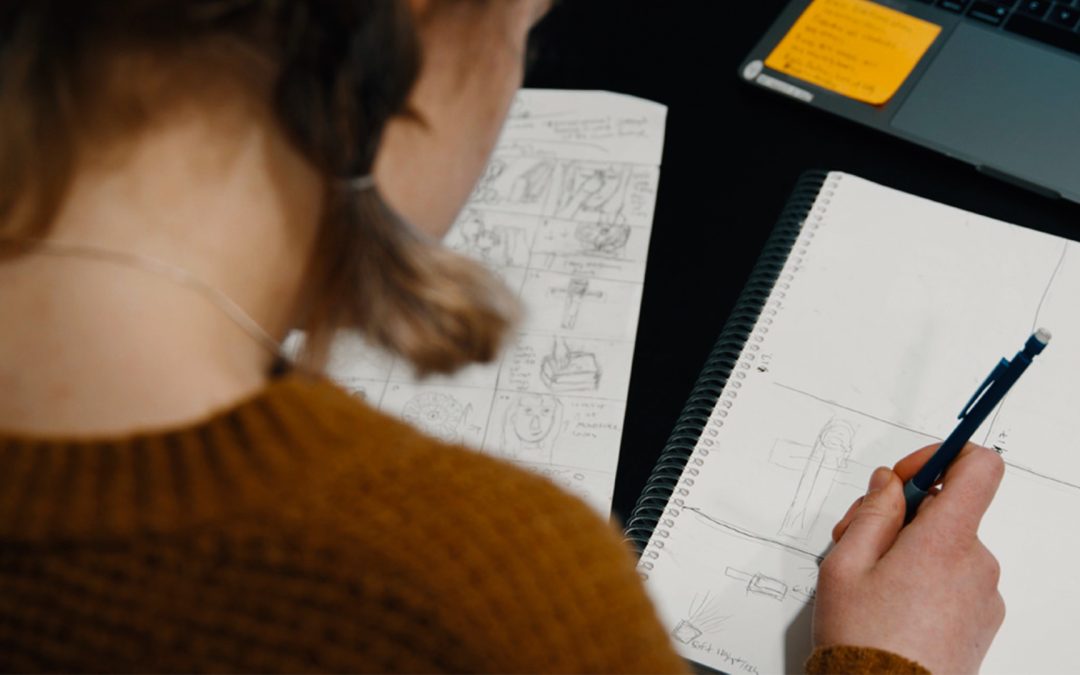
A storyboard is the visual blueprint for execution. It translates the script into a sequence of frames (or reference images) that show what the audience will see and how the story will unfold visually. Storyboards clarify shots, staging, transitions, and coverage needs so the team can plan the shoot and protect the edit.
In practical terms, the storyboard answers, How will we show it clearly, and can we actually film it?
How They Work Together
Scripts and storyboards are most effective when they operate as a single system. They serve different purposes, but they should never be developed in isolation. The script defines intent, and the storyboard proves that intent can be communicated visually within real-world constraints. When they're aligned, production becomes smoother, edits come together faster, and teams avoid the most common failure mode: discovering story problems when it's already expensive to fix them. If you’re learning how to write a video script and storyboard, the goal isn't to create perfect documents but to create a production-ready plan that eliminates preventable surprises and protects the edit.
If either one is weak, the other can't save the project:
- A strong storyboard can't fix a confused message.
- A strong script can’t survive visuals that contradict it.
This is the heart of creative alignment: every major beat needs a visual plan, and every visual needs a reason to exist.
Decision rule: If a scene's meaning depends on a visual you haven't planned, you don’t "have a scene" yet. What you have is a hope.
What Must Be Locked Before Storyboarding
The most common failure pattern is story boarding too early, before the story is stable. That creates churn: new script changes force visual rework, and costs balloon before production even begins.
Here's what experienced teams lock before they move into a script to storyboard workflow:
- The one-sentence promise: What does this video deliver for the viewer in plain language?
- The audience and context: Who is this for, and where will they watch it (web, social, in-room, broadcast)?
- The primary message: The core claim or takeaway that must survive editing.
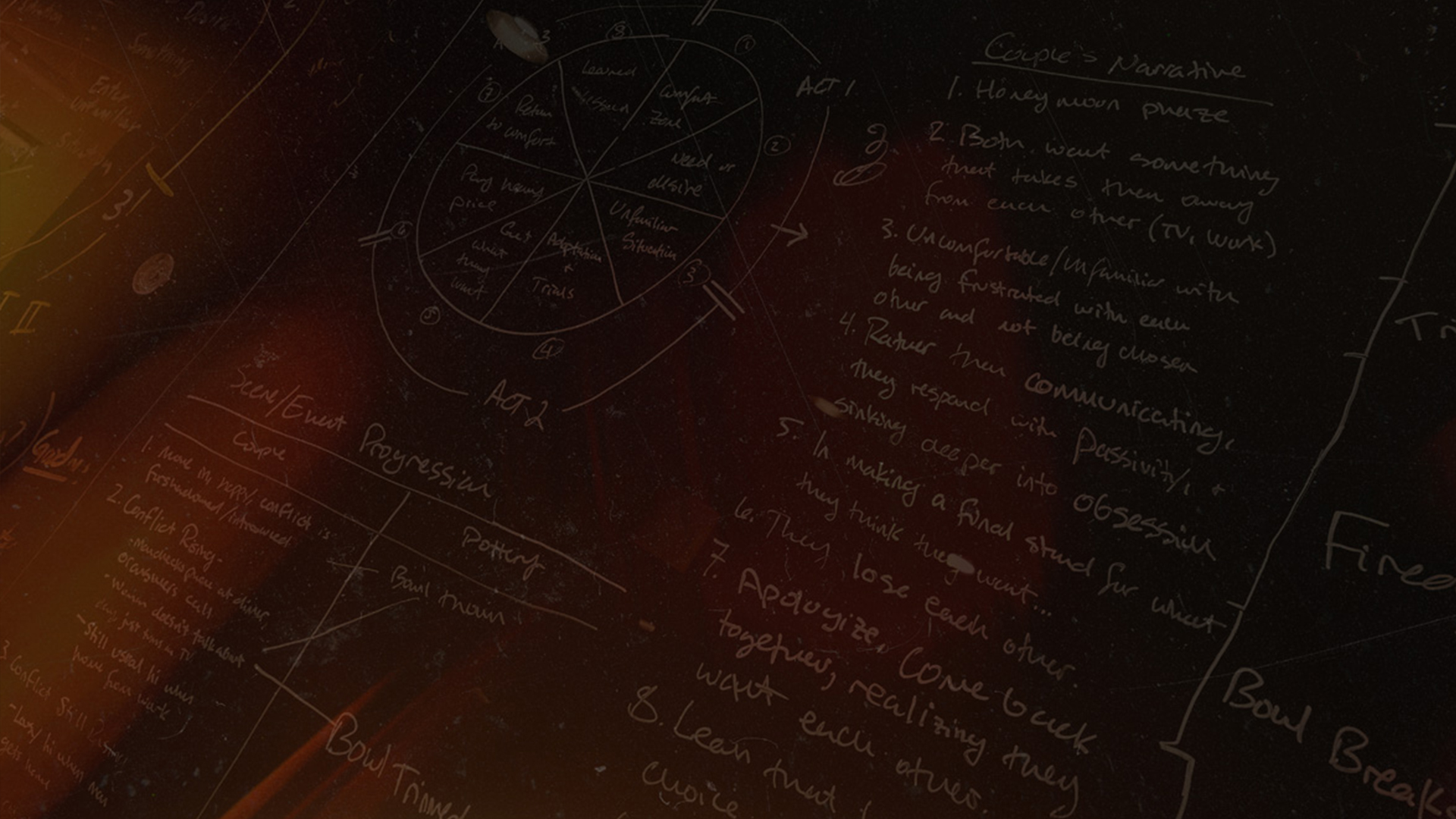
- Key beats and transitions: Not every line, but the essential turns: setup → tension → resolution → action.
- Practical feasibility: Location reality, talent needs, time limits, and budget ceilings
Tradeoff to name: Locking these early can feel restrictive. In reality, it protects creativity. You can improvise within a stable structure; you can’t improvise your way out of a broken premise.
What Can Stay Flexible Without Risking the Shoot
Good pre-production is not rigidity but intentional flexibility.
What can often stay flexible:
- Exact camera moves
- Secondary coverage choices
- Alternate cutaways
- Performance variations and ad-libs
- Some shot sizes (within a planned coverage strategy)
Decision rule: If changing it later would force a new location, new talent, or a re-blocked scene, it's not flexible, it's a locked requirement, which is not ideal.
This is where video pre-production scripting becomes more than writing. It becomes production design thinking: what choices preserve options without creating chaos?
The Storyboard Standard: Clarity Over Art
A storyboard isn't a portfolio piece. It's a shared visual language for clients, producers, directors, and crew. The measure of a storyboard is whether it prevents misunderstanding.
What makes a good storyboard:
- It communicates intent, not just composition
- It shows progression (how a moment begins and ends)
- It anticipates the edit (how shots connect)
- It's legible to non-filmmakers
A practical storyboard layout for video includes:
- Frame panels (simple is fine)
- Scene/shot labels
- Notes on action and intent
- Audio or VO markers when relevant
If you're teaching a team how to storyboard a video, start here: Can someone else execute what you intended without you in the room? If not, the storyboard isn't done.
The 7 Failure Points That Cost the Most
Here are common failure points that experienced teams watch for and stop early:
- "The script sounds great, but I can't picture it." - Early warning sign of abstract writing without visual logic.
- Too many ideas in one video - Results in cluttered edits and diluted messaging.
- Storyboards that ignore physical space - Shots that "work in theory" but can’t be staged in real locations
- Coverage gaps - No cutaways, no reaction shots, no bridges, editing becomes a trap.
- Client feedback loops without guardrails - Endless revisions because there's no decision framework or locked objectives.
- Late discovery of constraints - Talent availability, permissions, and time windows are found after the story is designed.
- "Fix it in post" assumptions - Usually, a sign that the team didn't align the script and visuals before production.
These aren't rare. They’re predictable. Mature teams build workflows specifically to catch them.
The Approval Path: How Experienced Teams Keep Momentum
A healthy script approval process video workflow isn't about bureaucracy but about preventing last-minute reversals.
A clean approval sequence:
- Script draft for meaning (message and structure)
- Feasibility review (production reality check)
- Stakeholder alignment (what success means, what's non-negotiable)
- Script lock (stable enough to storyboard)
- Storyboard review (visual logic + edit flow)
- Pre-production sign-off (production readiness)
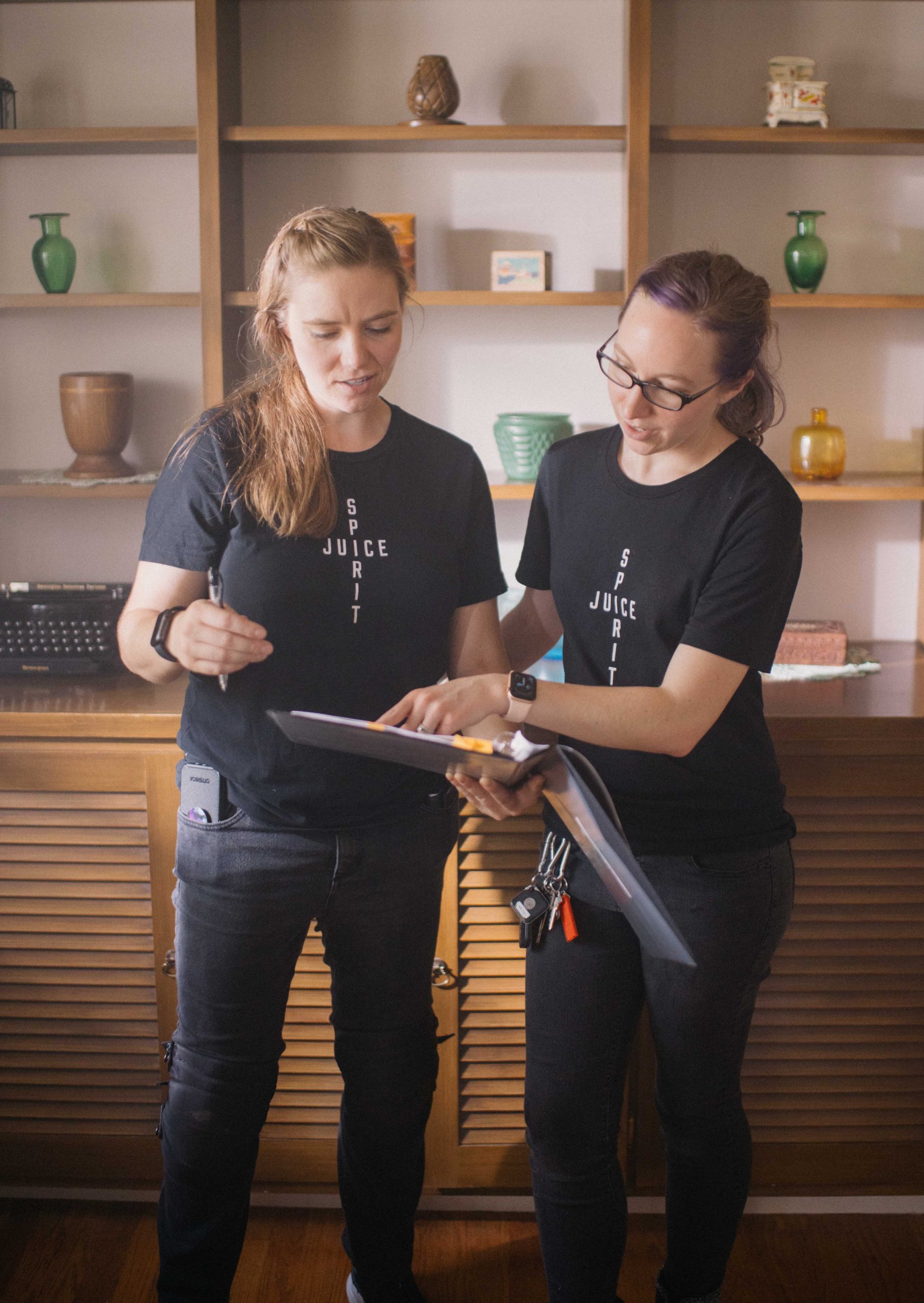
This is script and storyboard collaboration at its best: everyone sees the same movie in their head before you pay to shoot it.
Decision rule: If stakeholders can't agree on the goal, don't storyboard. You'll just storyboard a disagreement.
Aligning Script and Visuals Before Production Readiness
Aligning script and visuals means every key beat has:
- a primary shot that carries meaning
- a supporting shot that preserves editorial options
- a clear transition to the next idea
This is where best practices for video storytelling become practical. You’re not just writing a story, you're designing an edit that can't fail.
If you want a simple standard: If you can't describe the edit, you're not ready to shoot.
Production-Ready Planning Review
If you want to pressure-test your workflow quickly, use this checklist:
- Is the message singular and stable?
- Do stakeholders agree on success criteria?
- Can the storyboard be executed in real locations with real time?
- Do we have coverage that protects the edit?
- Do we know what must be locked vs what can flex?
If any of those are "maybe," don't rush. Fix it now while it's cheap.
Practical Examples
These principles show up across formats:
- Brand films where pacing and emotion must survive multiple cuts
- Commercial spots where timing and clarity are unforgiving
- Short-form social where one weak beat loses the viewer instantly
The specifics change, but the discipline doesn't: strong scripting + strong visual planning creates repeatable outcomes.
Final Thoughts
The point of scripting and storyboarding isn’t to create paperwork. It's to create certainty.
The teams that consistently deliver great videos aren't luckier or more expensive, they're clearer. They lock the right decisions early, leave the right choices flexible, and use scripts and storyboards as tools for production readiness. That's what script and storyboard best practices really mean: fewer surprises, better footage, and a story that survives the edit.
Get Your Script and Storyboard Production-Ready
If you're building a commercial, brand film, or campaign video and want a workflow that prevents costly surprises, we can help you tighten your script and storyboard process and get to production with confidence. Whether you need a clean script to storyboard workflow, a storyboard review, or full pre-production planning, we'll help you diagnose risk early before it becomes a reshoot.
And if you already have a video production project that you need help with, feel free to tell us below and we'll reach back out to you.
Launch Your Project
This site is protected by reCAPTCHA and the Google Privacy Policy and Terms of Service apply.
FAQs: Script and Storyboard Best Practices for Video Production
1. What are script and storyboard best practices?
They're the repeatable decisions that ensure story clarity and production feasibility before filming, locking the message and key beats early, then translating them into a visual plan that edits cleanly.
2. When should you storyboard a video?
After the script is aligned on purpose, the audience and the core are clear. Storyboarding before alignment usually creates rework and scope creep.
3. What makes a good storyboard?
Clarity, not artistry. A good storyboard communicates intent, staging, and edit flow so others can execute without guessing
4. How detailed should a storyboard be?
Detailed enough to prevent misunderstanding and protect the edit: key frames, action notes, transitions, and coverage needs without over-specifying every camera choice.
5. How do you align script and visuals?
Ensure every key beat has a clear primary shot, supporting coverage, and a transition plan. If the story depends on an unplanned visual, you're not aligned.
